Mixbook makes it easy to collaborate with friends and family on your projects. Our collaboration feature allows you to invite others to contribute ideas, photos, and designs to your project from anywhere!
For your collaborators to access shared projects, they must have a Mixbook account using the same email address where you sent the collaboration invitation.
Important: If your collaborator doesn't have an account or has an account with a different email address than the one you invited, they won't be able to join the collaboration.
To ensure there aren't overlapping changes, only one person is able to edit a project at a time. Once the user exits the Mixbook editor, another collaborator can enter & edit the project.
Getting Started
Simply invite others to your project, and once they're set up with the correct account (if they aren't already, everyone can start contributing together!
Ready to get started? Click here to learn how many collaborators you can invite and how to add them to your project.
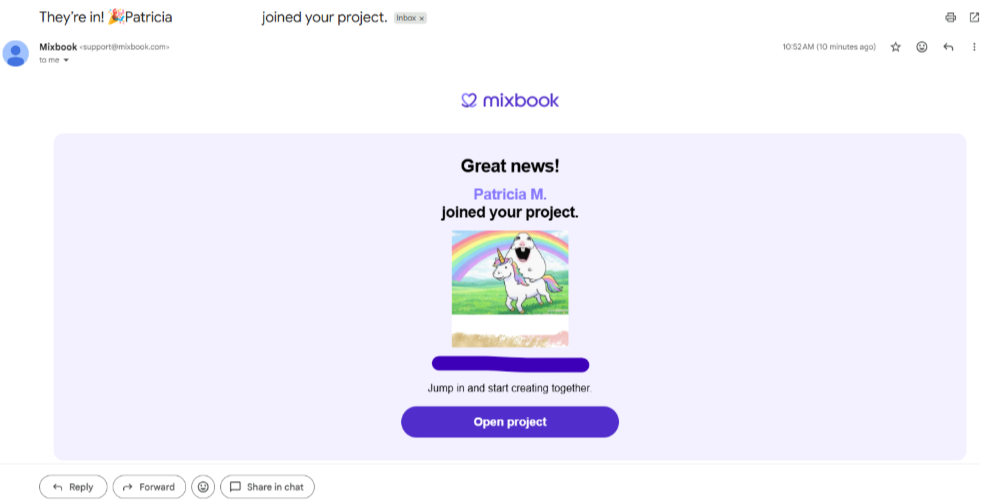
📝Note: Once a collaborator accepts your invite, you’ll see them in your Project Settings at the bottom left. You’ll also receive an email notification confirming that they’ve joined your project.