Need to update your project’s name or title? No problem—renaming it is quick and easy!
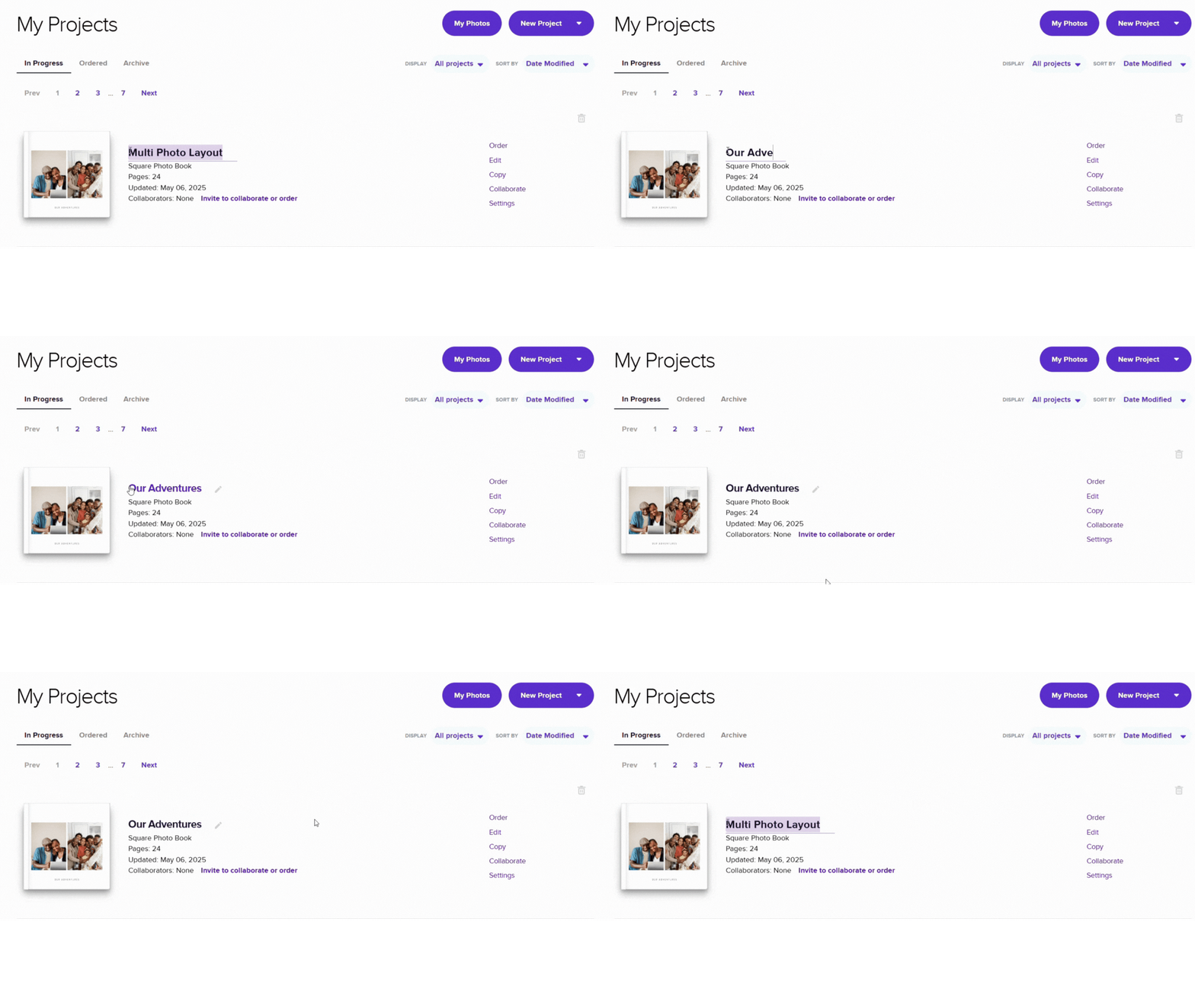
- Go to your My Projects page.
- Click the pencil icon next to your project’s title.
- Enter a new name and save your changes.
Note: Only the original creator of the project can rename it.
Alternative Option
- Go to your My Projects page.
- Click the three dots located at the bottom right of the project you want to rename.
- Click on Rename.
- Enter a new name and save your changes.