Love a photo so much you want it to be the star of the show? The Fill Page tool lets you fill the entire page with a single image—perfect for bold, full-bleed layouts!
How to Use the Fill Page Tool
- Click the photo you’d like to use.
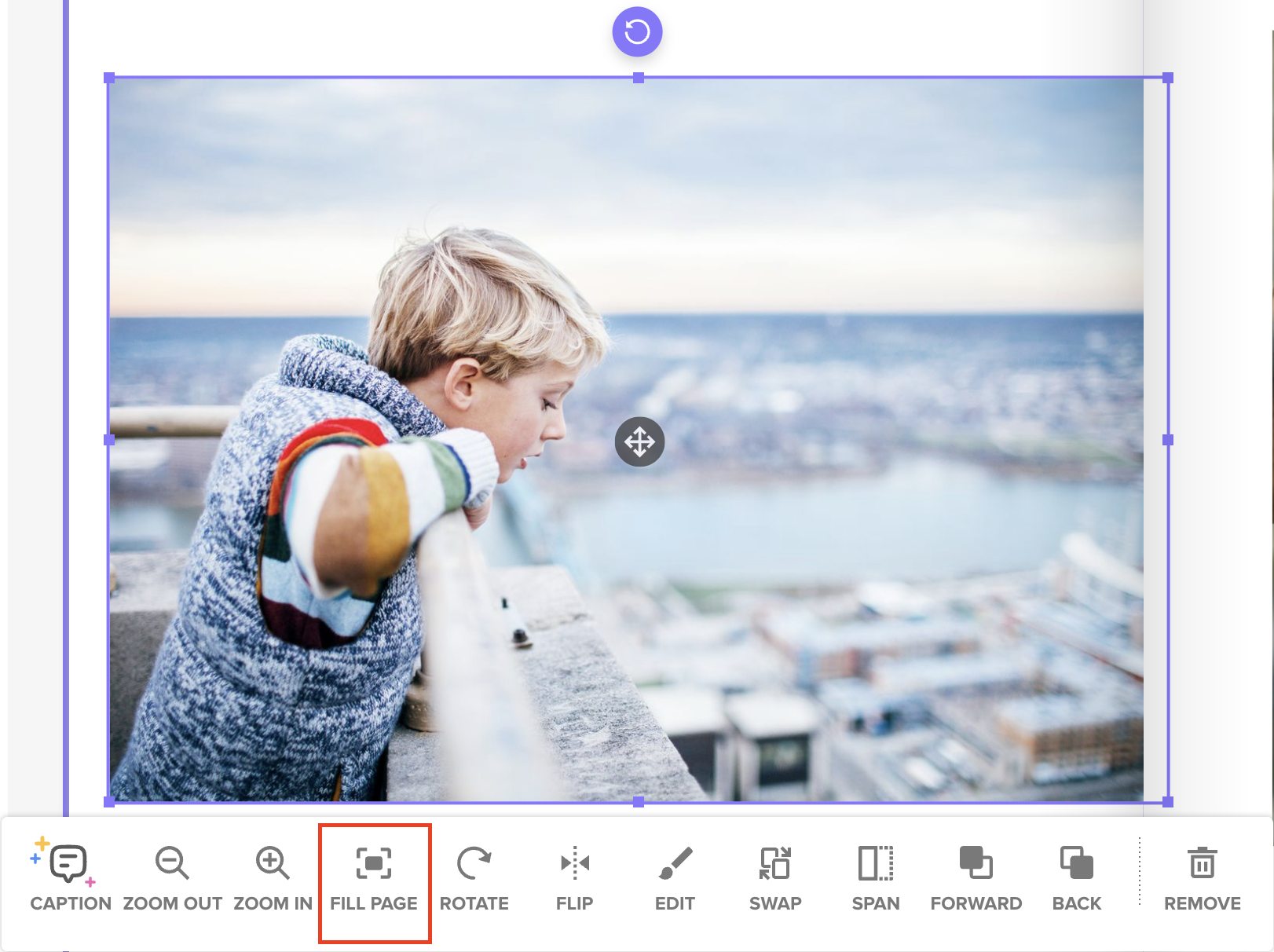
- In the photo toolbar that appears below, click the “Fill Page” button.
- The image will automatically scale to fill the entire page—no cropping or guesswork needed!
Why Use Fill Page?
- Ensures your photo extends to the edges with proper bleed
- Prevents white trim lines during printing
- Great for full-spread moments like scenic shots, portraits, or dramatic visuals