Want to add depth and layering to your page? The Forward and Back tools let you control the stacking order of your photos, text, and stickers—so you can bring elements to the front or send them behind others. It's a simple way to level up your layout design.
How to Use the Forward and Back Tools:
Click on the photo, text box, or sticker you want to move.
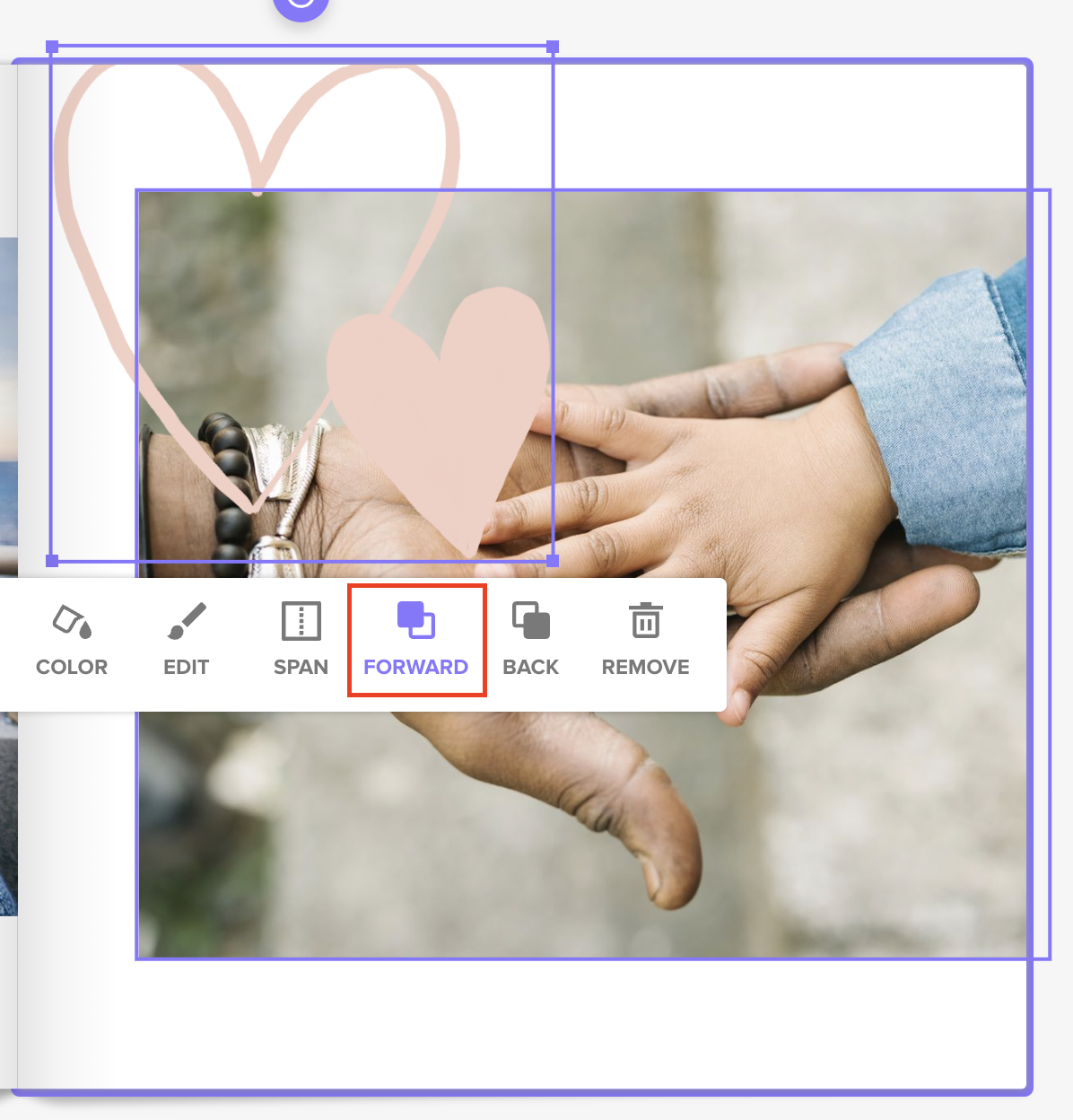
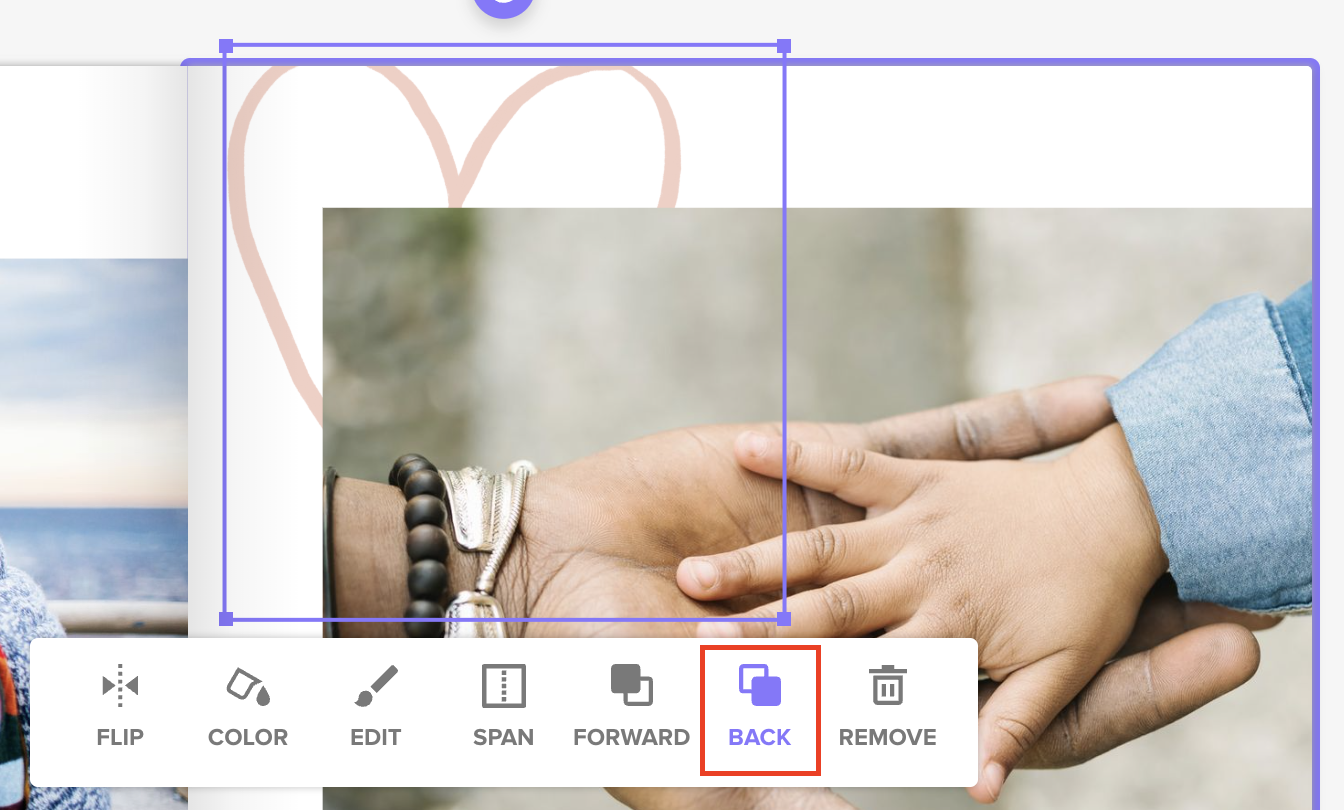
In the toolbar that appears, click “Forward” to bring it closer to the front, or “Back” to move it behind another element.
Repeat as needed until your layout looks just right!
Forward Example
Back example
💡 Design Tip: Use layering to create polished, dynamic pages—perfect for adding captions over photos, framing images with stickers, or stacking elements for a collage effect.