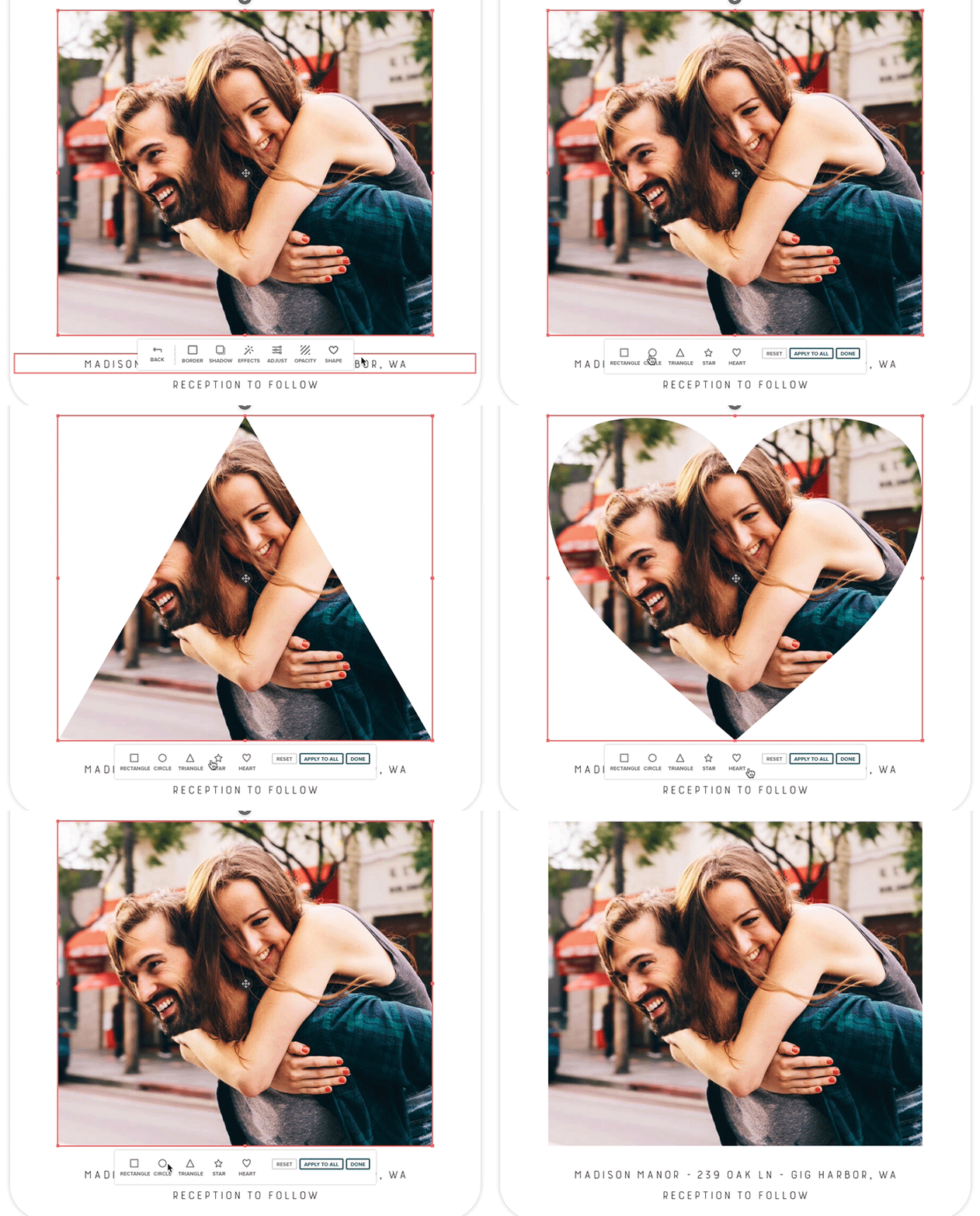
Customize your photos with preset shapes and frames in the Mixbook Studio! Follow these steps to give your images a unique touch.
How to Apply a Shape to a Photo
- Select the photo you want to edit.
- In the Photo Toolbar below the image, click "Edit" and then select "Shapes".
- Choose a preset shape from the available options.
- Click "Done" to apply the shape.
Apply the Same Shape to All Photos in a Spread
Click "Apply All" to apply the selected shape to every photo in the spread for a consistent look.