The only way to delete shipping addresses & past payment information is directly through your Mixbook account page.
- Go to your "accounts" page either on desk, mobile or through the Mixbook app
- Click "Settings" or "account settings" if using the Mixbook app
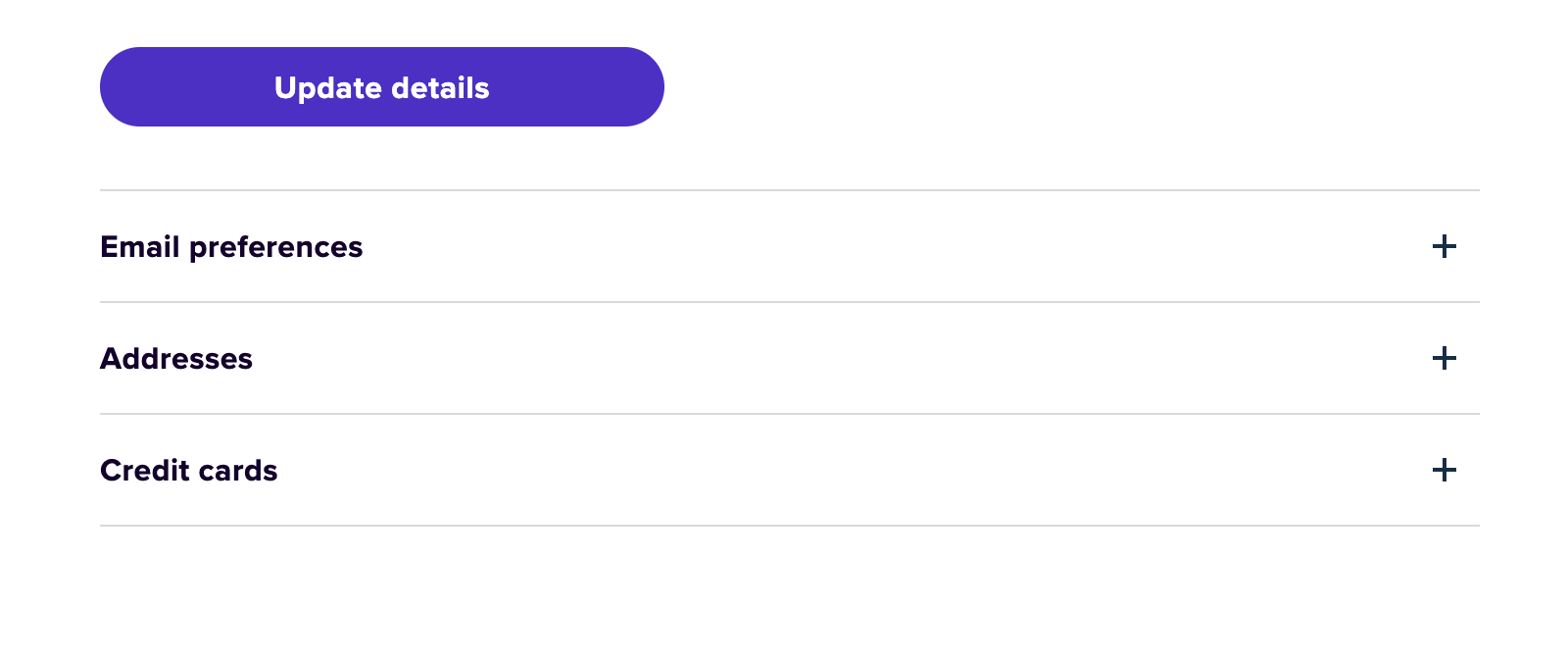
- Scroll to the bottom of the screen where you'll see
- Email preferences (to edit Mixbook updates & promotional email cadence)
- Addresses
- Credit Cards
- Dependent on which information you want to edit, click the (+) next to "addresses" or "credit cards" to review your on file information & remove or edit as needed
Pro Tip: You can also add new ship to addresses & credit cards to your Mixbook account through this page so they are easily available for your future Mixbook orders!