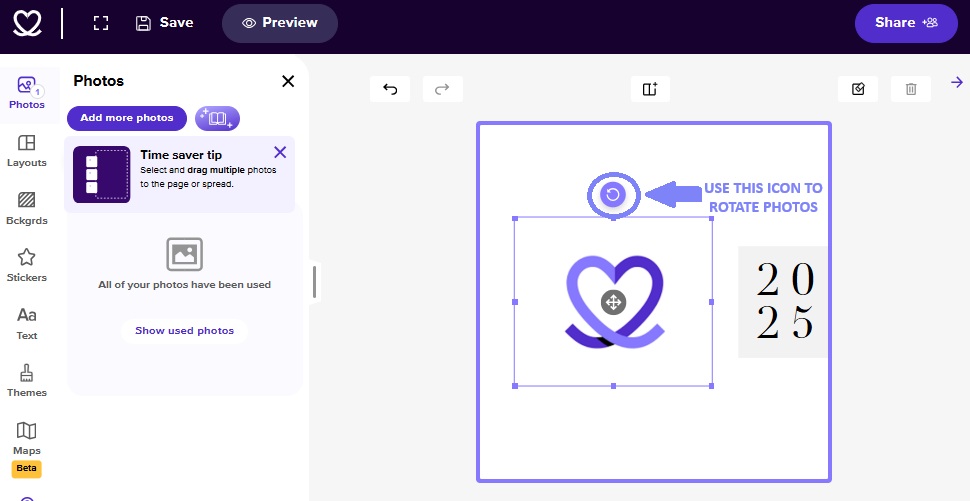
Want to adjust the angle of your photo? You can freely rotate images in any direction within Mixbook Studio—it's quick and easy!
Steps to Rotate Your Photo
- Place your photo onto your page.
- Click on the photo you’ve added to your page.
- A photo toolbar will appear beneath or beside the image.
- Click the rotate icon (a curved arrow) to begin rotating.
- Then, click and drag the rotation handle to rotate the photo to your desired angle.