Adjusting your project’s privacy settings is a great way to collaborate, share feedback, or simply control who can view your work. Privacy settings are done at a project level so it is important to note that unless adjusted, all projects will be set to "Project is viewable by invite only".
Here’s How to Update Your Privacy Settings to Collaborate with Others:
Click "Projects"
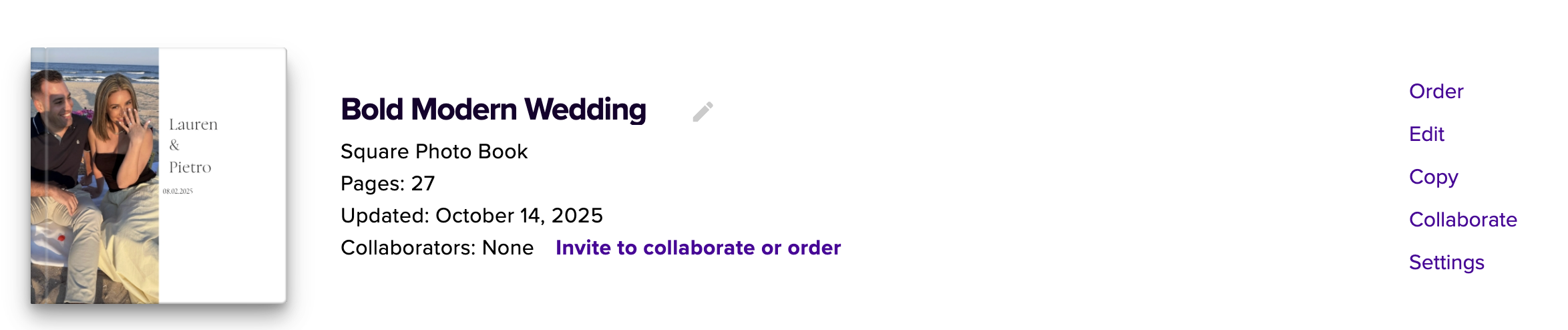
Next, click either the “Settings” button next to the project you want to adjust the settings for
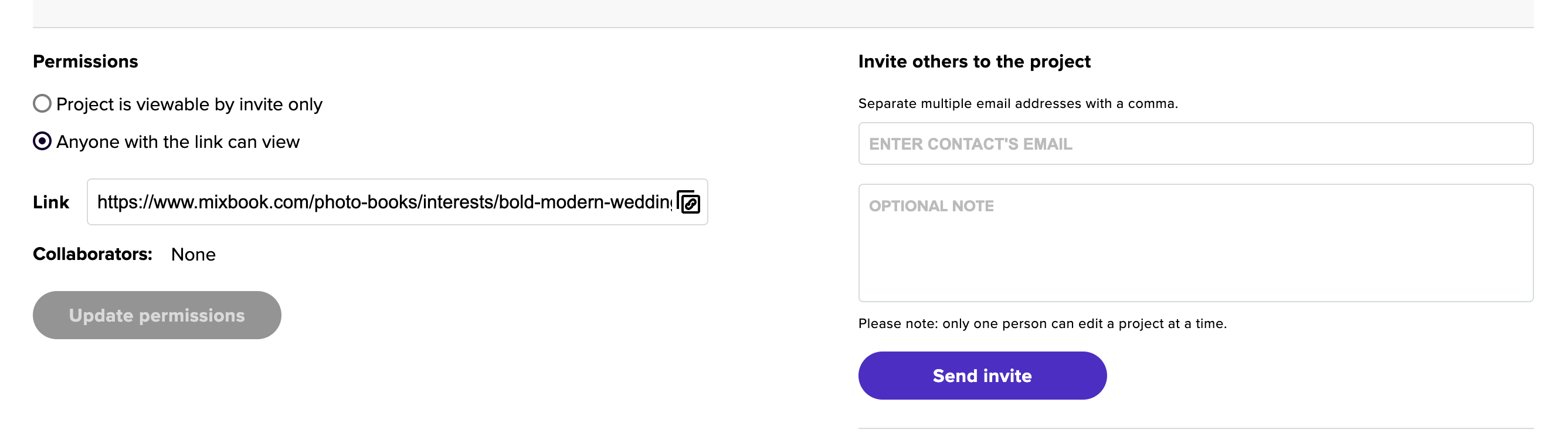
Under the “Permissions” section either "project is viewable by invite only" or "anyone with the link can view"
Privacy Options:
Invite Only – Most secure
Only people you personally invite (with a Mixbook account) can view or edit the project. Inviting someone to your project is also done directly on the permissions page by entering the email addresses of those you'd like to invite. If this permission is on, an invite must be sent before the link can be used.Anyone with the Link – Great for quick & easy sharing
Anyone who has the direct link can view your project—no login required.
💡 Tip: For private moments or personal projects, we recommend using Invite Only to keep things just between you and your collaborators.