Whether you're logged in or locked out, we've made it easy to update your password.
If You’re Logged In:
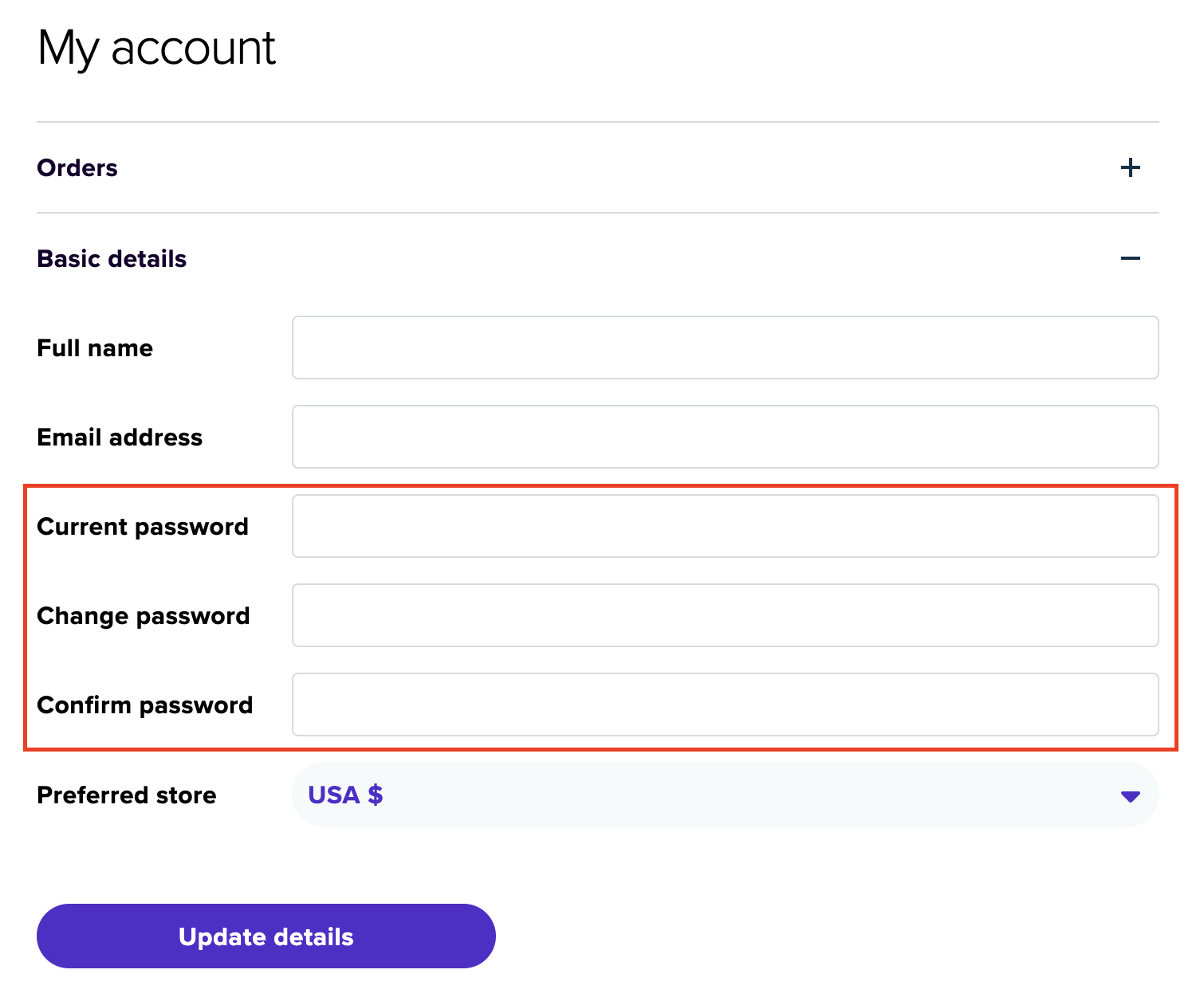
- Go to your Account page.
- Click on “Basic Details.”
- Under “Change Password,” enter your current password and your new password.
- Click “Update Details” to save the changes.
If You’re Not Logged In or Forgot Your Password:
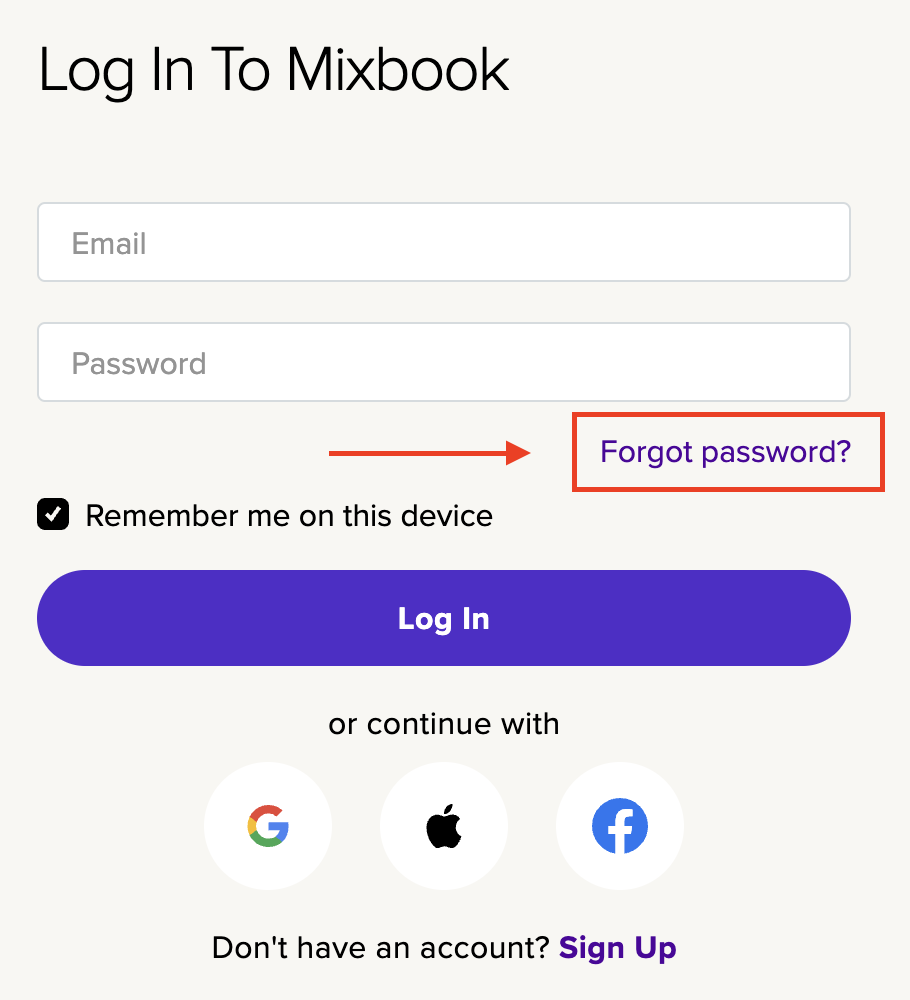
- Visit the Mixbook login page.
- Click “Forgot Password?”
- Enter the email address associated with your Mixbook account and click “Reset Password.”
- Check your inbox for a password reset email and follow the instructions to create a new password.