The red circle with an exclamation point (!) is a low-resolution warning. This means your image may not print clearly and could appear blurry or pixelated in your final product.
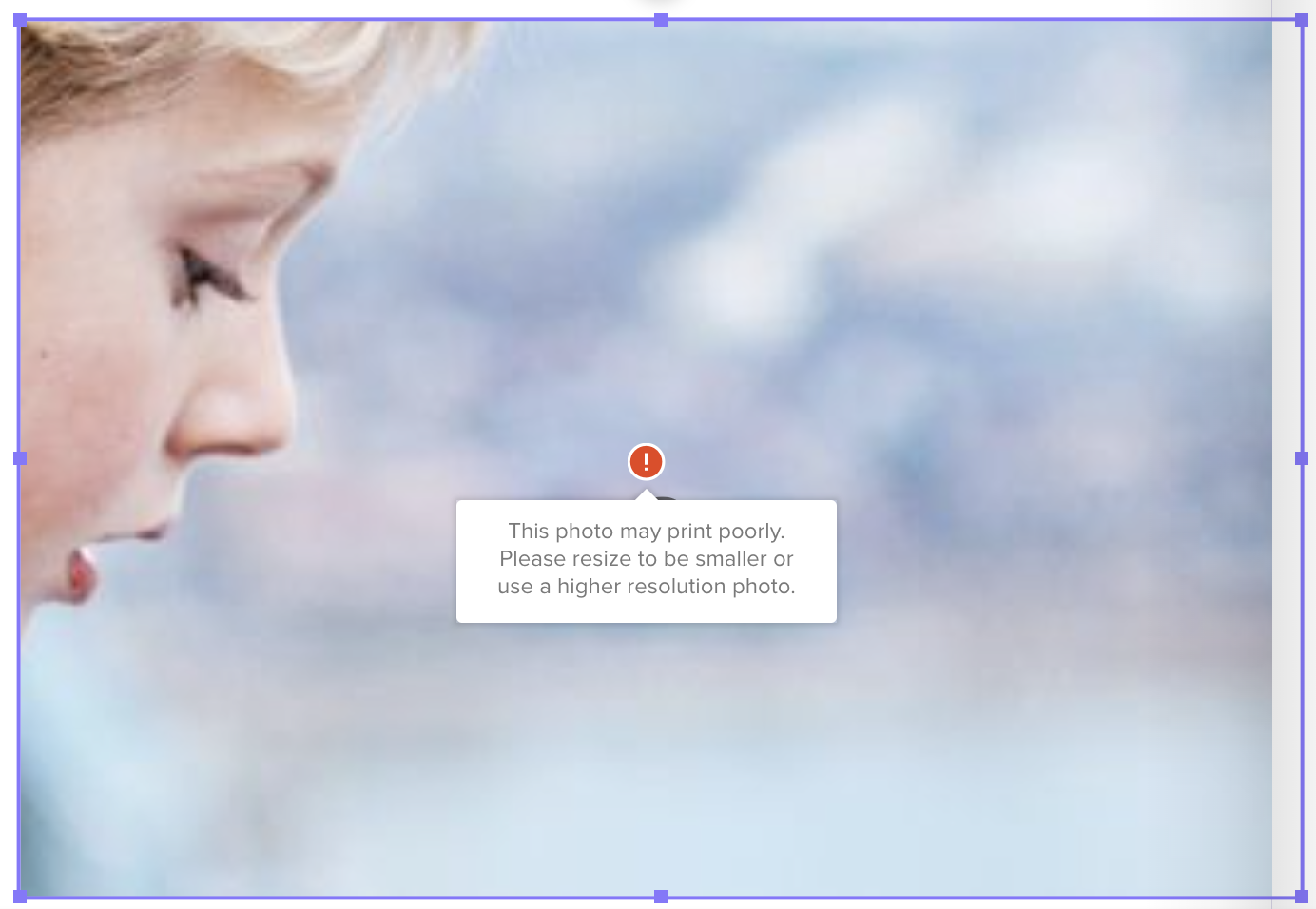
How to Fix It
To remove the warning:
Use high-quality images.
For best results, your photos should be:At least 4MB
At 300 DPI
No larger than 15MB
Resize the image smaller in your project.
If you can’t swap the photo for a higher-quality version, try reducing its size on the page. This may eliminate the warning and improve print quality.
💡 Pro Tip: If the warning disappears after resizing, you’re good to go!