Want to give your photos a little extra pop? Here's how to add shadows in your Mixbook:
- Select the photo you want to enhance.
- In the photo toolbar below, click "Edit," then "Shadows."
- Choose your favorite shadow effect from the presets, and then click "Done."
- To apply the same shadow effect to all photos on the spread, just hit "Apply All."
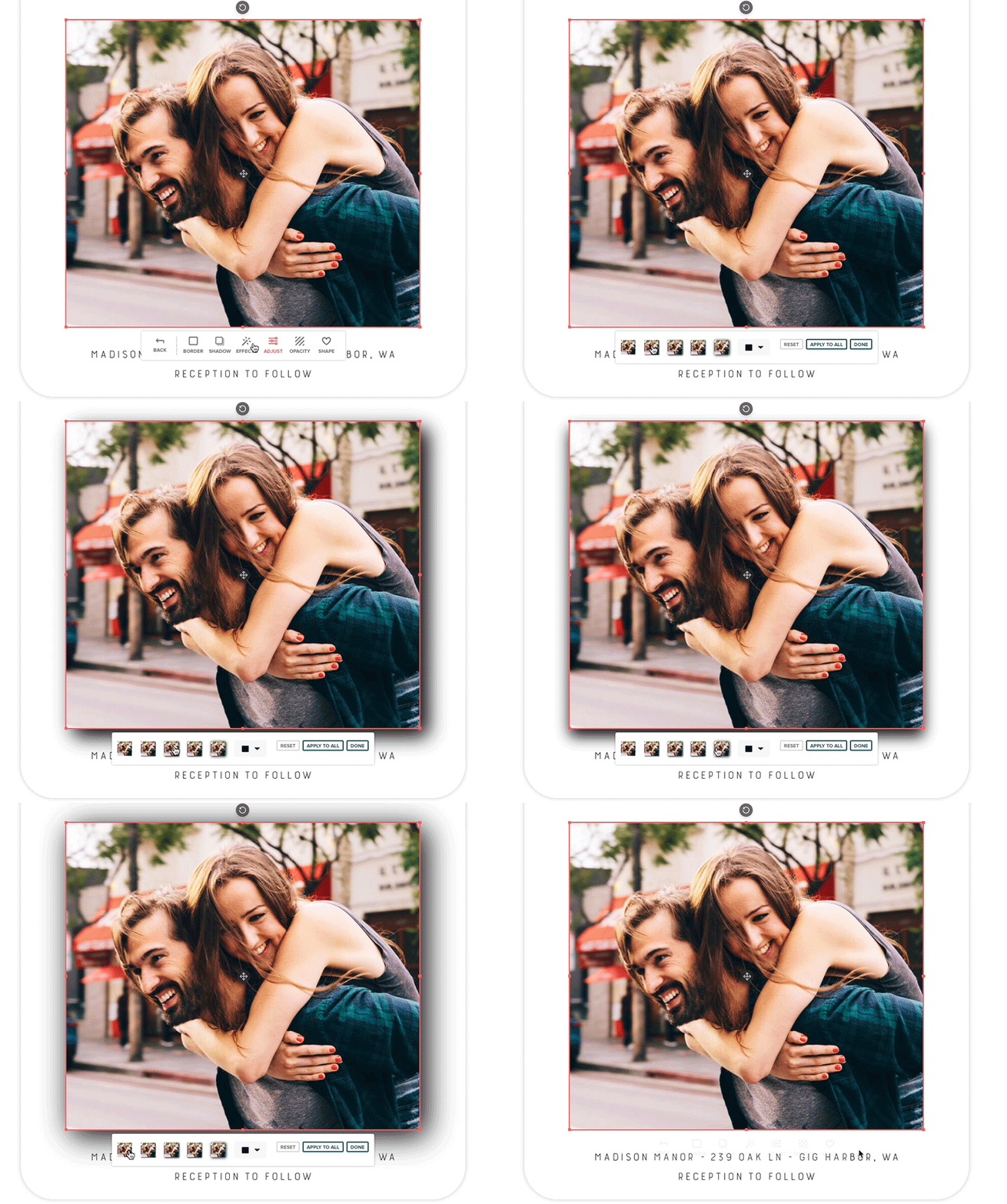
It's a simple way to make your memories stand out!
📝 Note: The 'Shadow' feature is also available for stickers but not yet available for text.